
 By Malik Rehan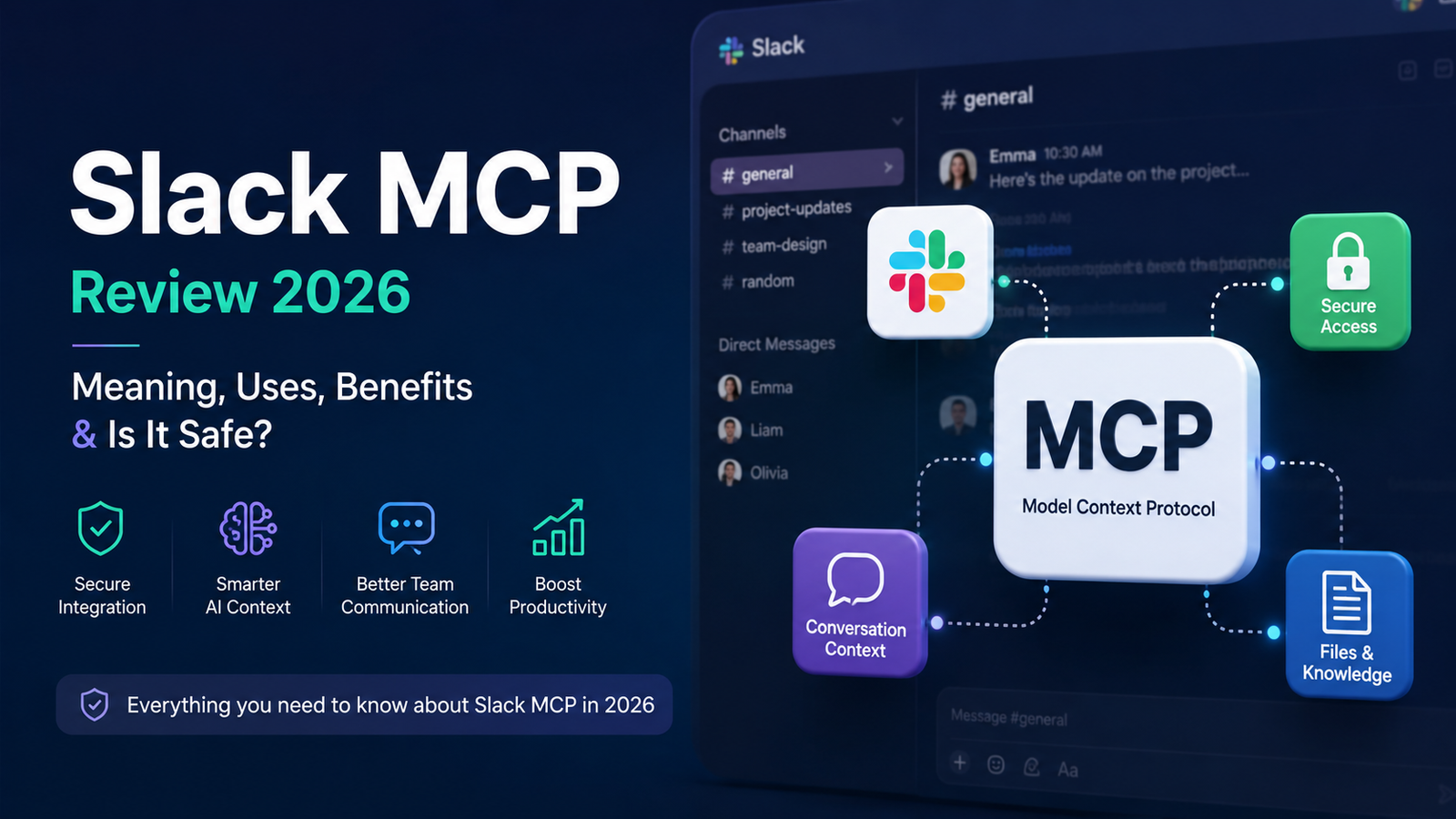
If you’ve been hanging around AI communities lately, there’s a good chance you’ve seen people talking about “Slack MCP” and wondered… what exactly is that? Another AI tool? A Slack plugin? Something technical that only developers care about?
Well, kind of. But not entirely.
Slack MCP is basically a way for AI systems and apps to connect with Slack more intelligently. MCP usually stands for Model Context Protocol, and it’s becoming part of the bigger conversation around AI assistants, automation, and workplace tools in 2026. Sounds complicated at first — but the idea is actually pretty simple.
It helps AI tools understand, access, and interact with Slack conversations in a more organized way.
And honestly, that’s why people are suddenly searching for it everywhere.
What Is Slack MCP?
At its core, Slack MCP is a connection layer between AI models and Slack workspaces. Instead of manually copying messages, files, or discussions into an AI chatbot, MCP allows the AI to access that context directly — in a structured and controlled way.
Think of it like giving an AI assistant permission to “understand” your Slack channels.
For example, a company could use Slack MCP to let an AI assistant:
- summarize long conversations
- pull project updates
- answer questions from team discussions
- organize shared files or notes
- automate repetitive communication tasks
And yeah… that’s pretty useful when teams are drowning in notifications all day.
A lot of modern AI systems are moving toward MCP-style integrations because context matters. Without context, AI tools feel dumb. With context, they become genuinely helpful.
That’s the big idea behind it.
Why Are People Searching for Slack MCP?
Part of it is curiosity. The term sounds technical and mysterious, so people click on it just to figure out what it means.
But there’s another reason too.
Businesses are rapidly adopting AI tools in 2026, and Slack is still one of the biggest workplace communication platforms around. So naturally, people want smarter integrations between the two.
Developers are searching for Slack MCP because they want to build AI-powered workflows. Teams are searching because they want productivity shortcuts. And regular users are just trying to understand whether this is something useful… or just another overhyped tech buzzword.
Honestly, it’s a bit of both.
Some companies genuinely benefit from MCP-based workflows. Others jump on the trend because “AI integration” sounds impressive in marketing presentations.
Still, the technology itself is very real.
You’ll even see discussions about AI data systems connected to things like hypertension prediction dataset projects, internal research teams, customer support channels, and analytics workflows. Slack MCP fits naturally into that ecosystem because communication is where most workplace knowledge already lives.
Is Slack MCP Safe or Legit?
This is the question most people really care about.
And the answer is… it depends on how it’s implemented.
Slack itself already has security systems, permissions, and workspace controls. MCP integrations usually rely on APIs and authorization settings, which means users can limit what an AI tool can access.
That’s the good part.
But there are still concerns. If an AI system has access to private Slack channels, sensitive data could potentially be exposed if security practices are weak. So companies need to be careful about permissions and third-party integrations.
Here’s the simple version:
| Feature | Slack MCP Reality |
|---|---|
| Legit technology? | Yes |
| Useful for teams? | Often, yes |
| Completely risk-free? | No |
| Requires permissions? | Definitely |
| Helpful with AI workflows? | Very much |
So no, it’s not some scam or fake trend. But blindly connecting AI tools to workplace data without thinking things through… not a great idea either.
Real-Life Uses of Slack MCP
This is where things get interesting.
A customer support company could use Slack MCP to let AI summarize support tickets from Slack discussions every morning.
A startup founder might ask an AI assistant:
“Hey, what were the main product issues discussed this week?”
And the AI could pull answers directly from Slack conversations.
Developers are also using MCP systems to connect coding assistants with project discussions. So instead of switching between tools constantly, everything stays connected.
Pretty convenient.
Here are a few practical examples people are experimenting with in 2026:
Quick Examples
- AI-generated meeting summaries from Slack threads
- Automatic task extraction from team conversations
- Searching company knowledge instantly through AI
- Internal chatbot assistants for employee questions
- Workflow automation between Slack and AI tools
But… not every company needs this level of automation. Smaller teams may honestly be fine with normal Slack usage.
That’s something people forget sometimes.
Pros and Cons of Slack MCP
Like most AI tools, there’s good and bad mixed together.
Pros
- Saves time on repetitive communication
- Makes AI assistants more useful
- Helps organize large discussions
- Can improve productivity for remote teams
Cons
- Privacy concerns if permissions are too broad
- Setup can feel technical
- Some integrations are still experimental
- Over-automation can become annoying fast
And yeah, sometimes AI summaries miss context entirely. Humans still matter more than the software.
FAQs
What does MCP mean in Slack MCP?
MCP usually stands for Model Context Protocol. It helps AI systems understand and use contextual information from platforms like Slack.
Is Slack MCP only for developers?
Not really. Developers build it, but businesses, startups, and regular teams often use the final integrations.
Can Slack MCP access private conversations?
Only if permissions are granted. Most systems rely on controlled access and workspace authorization settings.
Final Thoughts
Slack MCP feels like one of those terms that sounds way more complicated than it really is.
At the end of the day, it’s mostly about helping AI tools work better with workplace communication. That’s it. And honestly… it probably will become more common over the next few years as AI assistants get smarter.
Is it useful? Yeah, for many teams it probably is.
Is it perfect? Definitely not.
There are still privacy concerns, setup issues, and plenty of hype surrounding anything connected to AI right now. But the general idea behind Slack MCP actually makes sense — especially for companies already living inside Slack every day.
So if you kept seeing the term and felt confused, you’re not alone. A lot of people are still figuring it out too.